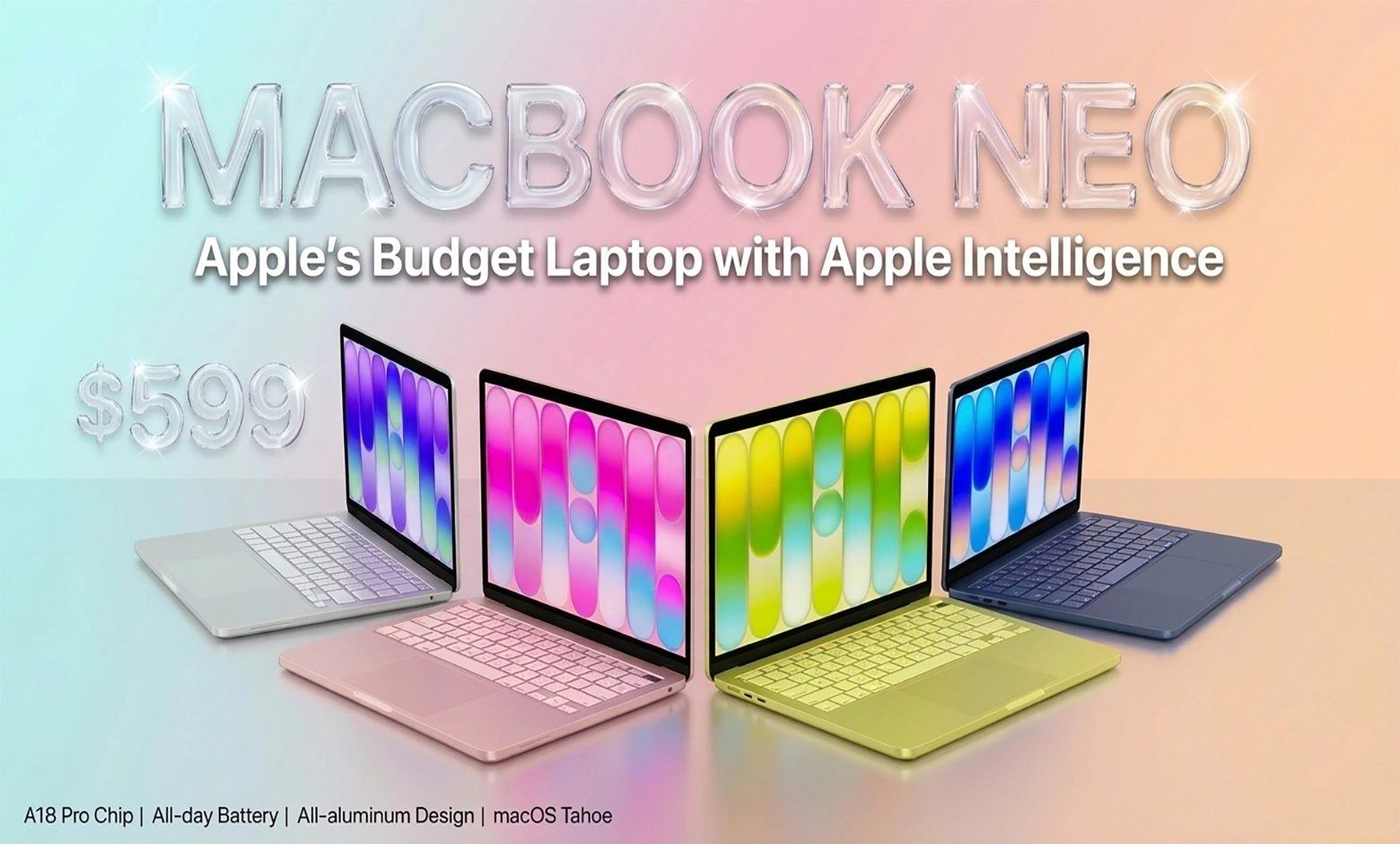
If you’ve been anywhere near tech circles this past week, you’ve probably heard the name “MacBook Neo” thrown around more times than you can count. Apple just dropped what might be its most surprising product in over a decade, and the internet is absolutely losing it. So what’s the big deal? Let’s break it down.
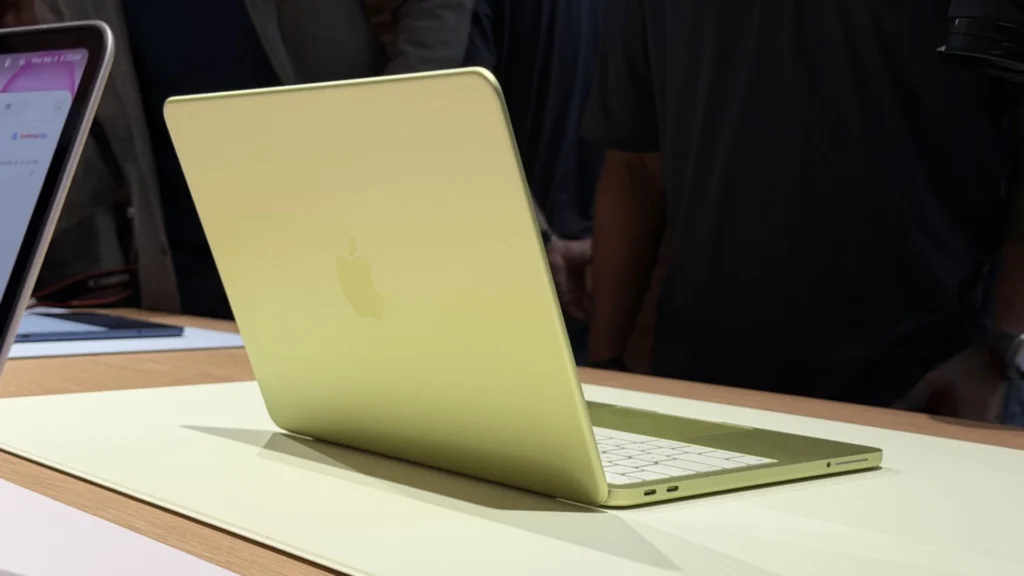
First things first: the MacBook Neo is Apple’s newest laptop, unveiled at a major event on March 4, 2026. And here’s the kicker — it starts at just $599. Yes, you read that right. Apple, the company known for premium pricing, just released the cheapest MacBook in its history. This thing runs on the A18 Pro chip (yeah, the same one from the iPhone), sports an aluminum design, and promises all-day battery life. Shipping starts March 11, 2026.
This isn’t just another budget laptop trying to cut corners everywhere. The Neo proves Apple can make an affordable Mac without sacrificing the quality people expect from the brand. It’s a strategic move aimed squarely at “Apple curious” folks who’ve always wanted to try the ecosystem but couldn’t justify the price tag. And judging by the early demand — some 512GB configurations are already delayed by one to two weeks — people are absolutely here for it.

What makes the MacBook Neo so compelling is that perfect sweet spot it hits between affordability, premium build quality, and solid everyday performance. Before this, most people assumed Apple would never pull off a truly budget Mac. This article breaks down what makes the Neo tick, drawing from reputable sources like CNET, PCMag, MacRumors, 9to5Mac, Ars Technica, Daring Fireball, TechRadar, and Apple’s own announcements.
What You’re Actually Getting: The Specs
Let’s talk numbers, but I promise to keep it readable. Here’s what you’re getting with the MacBook Neo, based on official specs from Apple and detailed coverage from the tech press:
The display is a 13-inch Liquid Retina screen running at 2408 x 1506 resolution, which works out to 219 pixels per inch. It hits 500 nits of brightness, supports one billion colors, and covers the sRGB color gamut. It’s not the fanciest display Apple makes — no True Tone, no P3 wide color — but for the price, it’s more than respectable.
Under the hood, you’ve got the A18 Pro chip. This is actually a pretty big deal because it’s the first time Apple has put an A-series chip (the ones they use in iPhones and iPads) into a mass-production Mac. It’s a 6-core CPU setup with 2 performance cores and 4 efficiency cores, plus a 5-core GPU. Think of it as Apple taking a chip they’re already making millions of for iPhones and repurposing it for a laptop. Smart move.
Memory and storage are straightforward: 8GB of unified memory that you can’t upgrade later, and either 256GB of storage (base model, no Touch ID) or 512GB (which does include Touch ID). That 8GB might seem tight, and honestly, for power users it is. But for the target audience — students, casual users, people who mostly live in a browser — it’s workable.
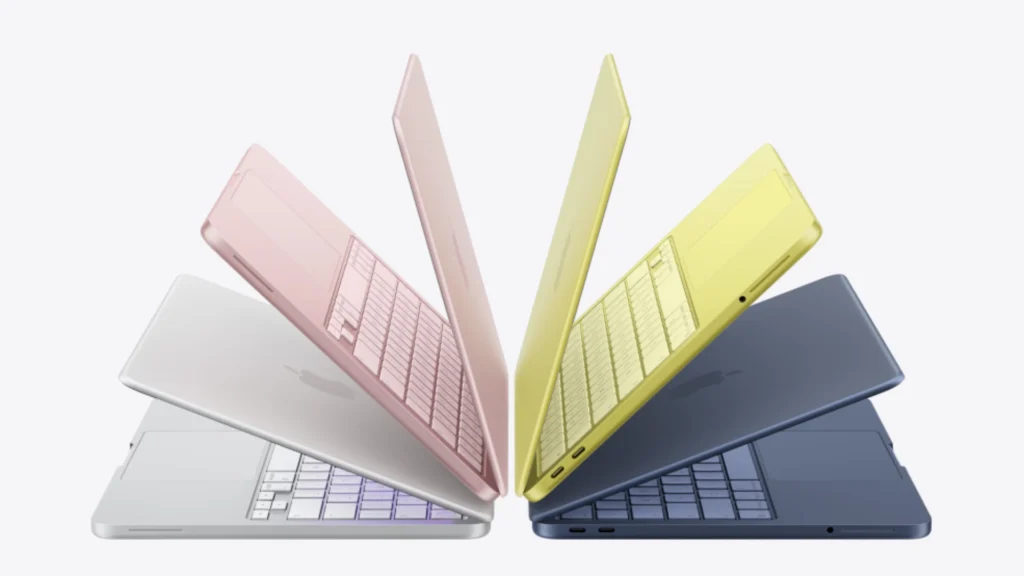
The design is classic Apple: all-aluminum unibody construction made from 90% recycled aluminum, weighing just 2.7 pounds. It comes in four colors that are way more fun than the usual space gray situation: blush, indigo, silver, and citrus. These colors feel more iPad than MacBook, and that’s clearly intentional.
Battery life clocks in at up to 16 hours, which should get you through a full day of classes or work without hunting for an outlet. You get a 1080p camera (finally, Apple listened), the Magic Keyboard, a large trackpad, two USB-C ports (one USB 3, one USB 2), a 3.5mm headphone jack, and support for one external 4K display at 60Hz.
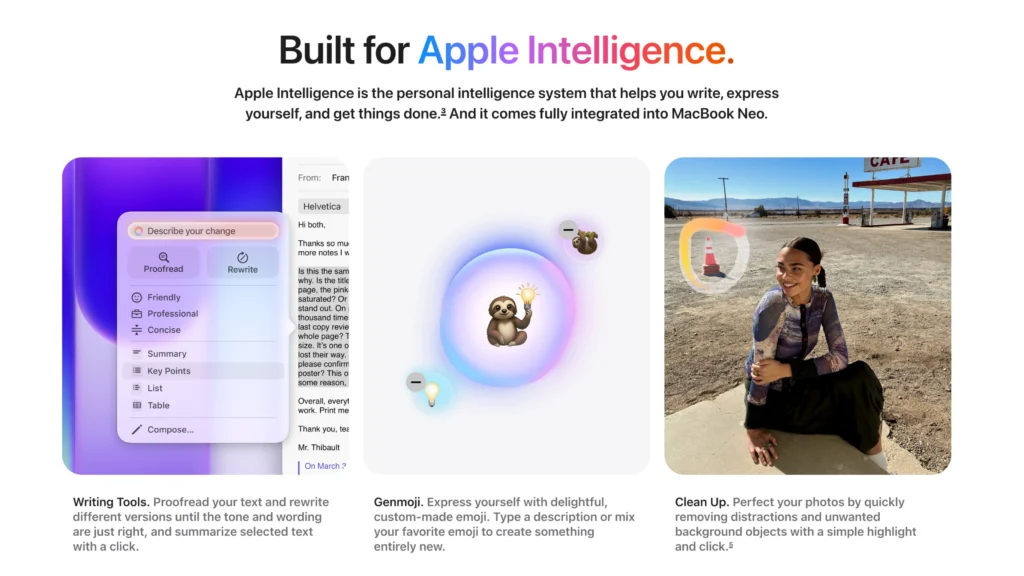
On the software side, it ships with macOS Tahoe and full Apple Intelligence support. Apple is positioning this as a laptop “Built for Apple Intelligence,” which means it’s optimized for AI-powered stuff like smart email replies, video calls, web browsing, managing your schedule, sharing photos, and keeping your life organized. For students specifically, Apple talks about using it for everything from cramming for finals to using Apple Intelligence to summarize class notes or build presentations. It’s lightweight enough to carry around campus all day without thinking twice about it — yep, toss in a backpack and forget about.

Quick Specs Overview
| Component | Specification |
|---|---|
| Display | 13″ Liquid Retina, 2408×1506, 219 ppi, 500 nits, sRGB |
| Processor | A18 Pro (6-core CPU: 2P+4E, 5-core GPU) |
| Memory | 8GB unified memory (non-upgradable) |
| Storage | 256GB (no Touch ID) or 512GB (with Touch ID) |
| Weight | 2.7 lbs |
| Colors | Blush, Indigo, Silver, Citrus |
| Battery | Up to 16 hours |
| Camera | 1080p FaceTime HD |
| Ports | 2× USB-C (1× USB 3, 1× USB 2), 3.5mm headphone jack |
| Display Support | One external 4K display @ 60Hz |
| OS | macOS Tahoe with Apple Intelligence |
| Price | Starting at $599 |
Why Everyone’s Freaking Out
Alright, let’s get to the real question: Why is this thing blowing up — what makes the MacBook Neo such a phenomenon?
It’s an actual Mac for $599. For the first time in over a decade, Apple is selling a brand-new laptop for under $600. That’s wild. Multiple reviewers have called this a “breakthrough moment” because Apple has never done anything like this before. Well, a real Mac at an unreal price.
John Ternus, Apple’s Senior Vice President of Hardware Engineering, leaned into this pretty hard: “We’re incredibly excited to introduce MacBook Neo, which delivers the magic of the Mac at a breakthrough price. Built from the ground up to be more affordable for even more people, MacBook Neo is a laptop only Apple could create… There is simply no other laptop like it.”
Molly Anderson, Apple’s Vice President of Design, made it clear they didn’t cheap out on the design side: “We’re certainly not making any compromises on the design and that’s really important… It needed to be approachable… it’s got to feel friendly and it has to be joyful.”
It still feels premium. From the all-aluminum body to the Magic Keyboard, the big trackpad, and those Spatial Audio speakers, this thing doesn’t feel like a budget device. It does feel like a MacBook.
People who’ve gone hands-on seem genuinely impressed. CNET hands-on: “The new 13-inch Neo has just the right feature mix for the money and a great look and feel that’s going to make it tough to beat.” PCMag called it “2026’s Breakout Budget Laptop,” noting that “The $599 MacBook Neo isn’t just cheaper — it’s surprisingly slick.” Even Ars Technica, which tends to be pretty skeptical, confirmed: “This does feel like an Apple laptop despite the lower starting price.”
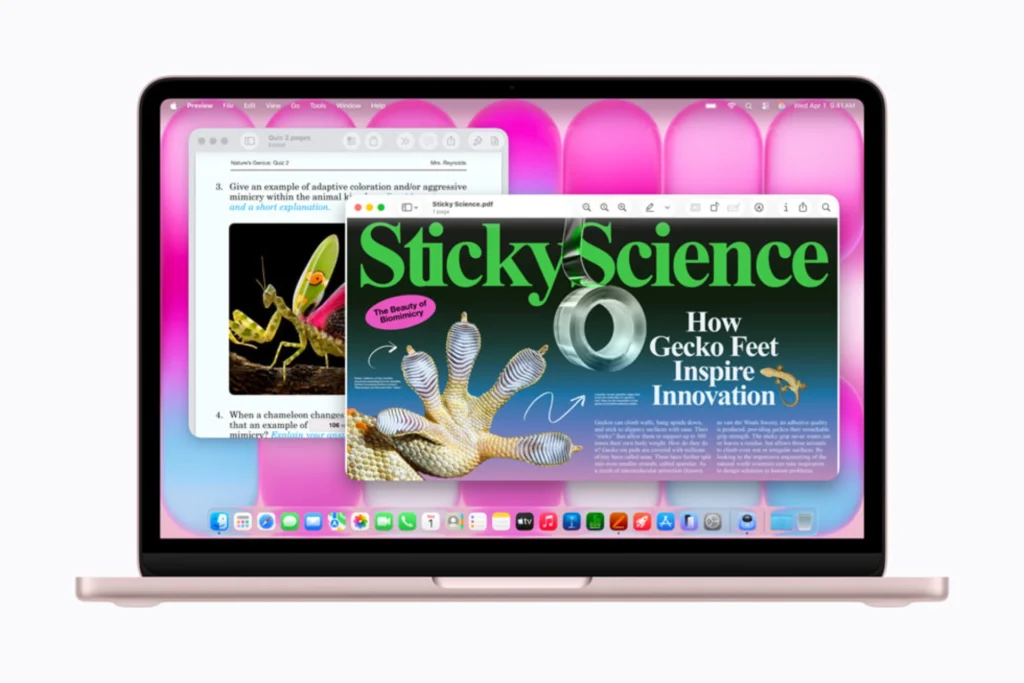
The performance is better than you’d expect. Yeah, it’s a budget machine, but it’s not slow. Apple claims it’s 50% faster than Windows laptops with Intel Core Ultra 5 processors for everyday tasks, and three times faster when you’re doing AI stuff on-device like photo editing and effects.
Independent benchmarks surfaced shortly after the announcement, with the MacBook Neo scoring 3461 (single-core) and 8668 (multi-core) in Geekbench 6, along with a Metal score of 31,286. These results place it in an interesting position: single-core performance surpasses the original M1 MacBook Air, while multi-core performance is roughly comparable, despite the Neo using a mobile-class A18 Pro chip.
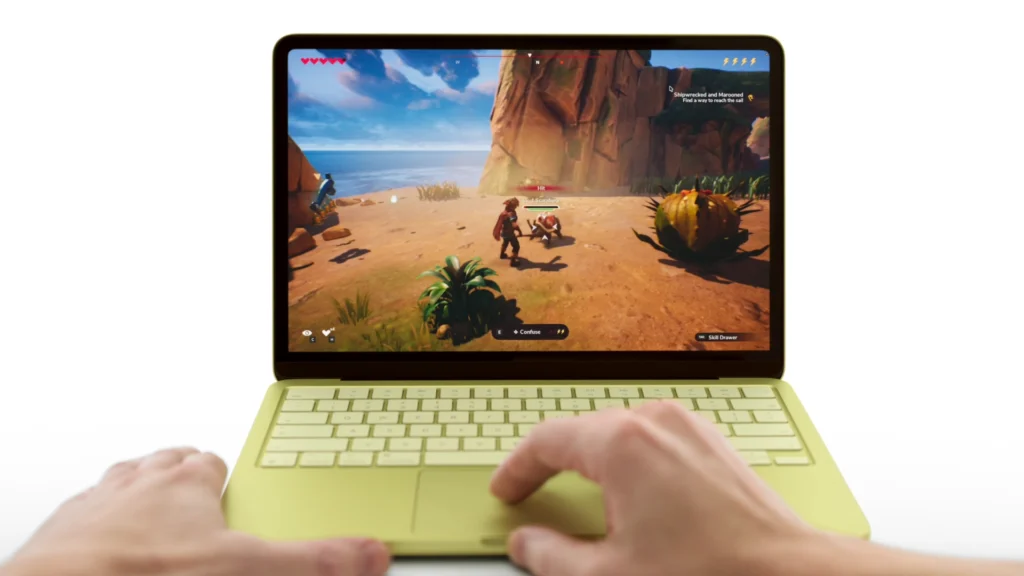
Those colors and the ecosystem hook. Let’s be honest — Apple’s ecosystem is famously sticky. Once you’re in, you’re in. The Neo’s four fresh colors (especially citrus and blush) give it a friendly, approachable vibe that’s clearly targeting students and younger users. Combined with seamless integration across iPhone, iCloud, and Apple Intelligence, it’s designed to pull in first-time Mac users who’ve been curious but hesitant.
The Market Response Has Been Bonkers
The numbers don’t lie. Within just two days of pre-orders opening on March 4, multiple configurations — especially the 512GB models in Blush and Citrus — already show one- to two-week shipping delays according to MacRumors and AppleInsider.
TechRadar predicts Apple is “gonna sell these by the boatload,” calling it “the most important product of 2026” and the “hottest product of the back-to-school season.” Industry analyst TrendForce estimates Apple will move 4 to 5 million units in 2026 alone.
On YouTube, hands-on videos from major tech channels hit hundreds of thousands to millions of views within 48 hours.
MacRumors tracked delivery estimates as of 9:30 a.m. Eastern Time on March 6:
- 256GB/Blush: March 16–23
- 256GB/Citrus: March 11
- 256GB/Indigo: March 11
- 256GB/Silver: March 11
- 512GB/Blush: March 23–30
- 512GB/Citrus: March 23–30
- 512GB/Indigo: March 16–23
- 512GB/Silver: March 11
Apple Store availability for in-store pickup varies depending on location and which model you want.
What Apple’s Really Up To Here
The MacBook Neo is Apple’s biggest play for the budget laptop market in over a decade. Before this, the cheapest MacBook Air started at $1,099, which left a massive opening for Chromebooks and entry-level Windows machines. By reusing the A18 Pro chip (already being manufactured at huge scale for iPhones), using recycled aluminum, and cutting back on some features (no Thunderbolt, locked 8GB RAM, single external display), Apple managed to keep that premium feel while slashing the price.
John Gruber of Daring Fireball nailed the vibe in his piece “Thoughts and Observations on the MacBook Neo”: “$599. Not a piece of junk… A very compelling $600 laptop… A fucking statement… they’re going to sell a zillion of these things.”
Bloomberg’s Mark Gurman summed it up on X:
Of course, there are trade-offs. Here’s the reality comparison:
Versus MacBook Air M5: The Neo is $500 cheaper but clearly less powerful. Battery life is shorter, the display isn’t as nice, and you can’t connect two external monitors.
Versus Windows/Chromebooks ($500–$600): The Neo absolutely dominates in build quality, battery life, ecosystem integration, and long-term software support. Apple typically supports Macs for 7–8 years, which is way longer than most budget laptops get.
The compromises are real (and worth acknowledging). As 9to5Mac and Ars Technica point out, 8GB of RAM isn’t enough for serious multitasking or professional video work. Storage on the base model is limited, you don’t get many ports, the display lacks True Tone and P3 color, and there’s no backlit keyboard. This is a machine for students, casual users, light office work, or first-time Mac buyers — not creative professionals.
MKBHD touched on this in his video: “I would not expect to edit videos or do anything really intensive on this thing. That would be kind of crazy.”
But here’s the thing: the Neo proves Apple can pull off something a lot of people thought was impossible — making an affordable Mac that doesn’t feel cheap. It’s opening up the ecosystem to potentially millions of new users who’ve been priced out before, putting real pressure on budget PC makers, and maybe even changing how people think about the whole “Macs are too expensive” narrative. A lot of experts are calling this the most important product Apple will ship in 2026, and honestly, based on the response so far, they might be onto something.
Enjoyed the article?